The ideas beneath our Calm Library Framework

The Calm Library Framework rests on a handful of ideas that shape how we look at devices, folders, and cloud accounts, and how we speak with the people who own them.

Step by step through our methodology

These stages describe how we gradually turn a scattered mix of folders, devices, and accounts into a single, understandable library that you can continue to grow with confidence.

Gather and map every current photo location

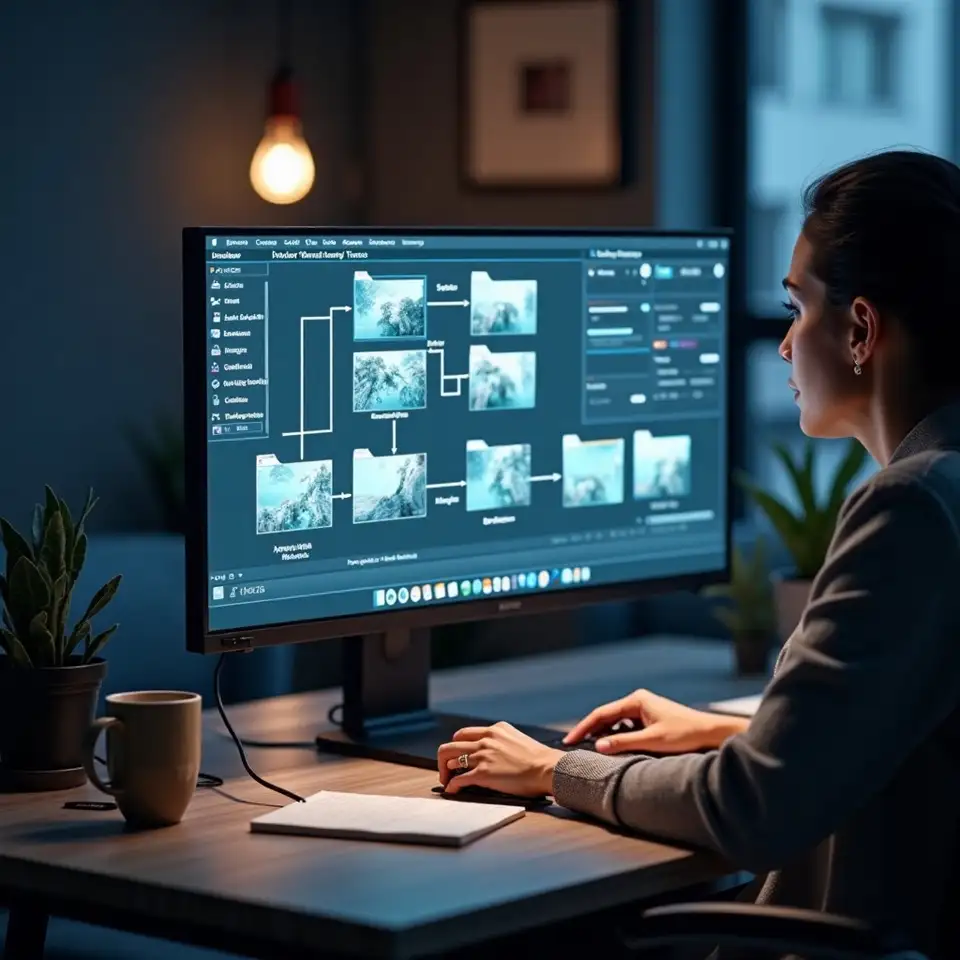
We begin by collecting a list of every device, drive, and account that currently holds photos, including old phones in drawers and cloud services you barely remember. Using that list, we sketch a diagram showing how files have moved between these places over time. This visual often reveals forgotten backups, risky single copies, and duplicate clusters.

Choose a primary library and basic structure

Next we decide which device or storage location will become the primary home for your library. Together we design a simple, memorable folder structure and light naming rules that reflect how you think about events, projects, or clients. The aim is a structure that feels intuitive enough that you can describe it out loud without opening your computer.

Consolidate scattered photos into the new home

With a structure in mind, we plan how to bring scattered photos into it safely. This may involve staging areas, temporary duplicate checks, and careful passes through old drives. We move in batches rather than all at once, documenting each move so you always know what has been consolidated and what still waits in other locations.

Add just enough description to support searching

Once images live in the primary library, we introduce light tagging, rating, or captioning practices that make searches easier. We focus on a small number of meaningful categories, such as people, places, or project names, and we ensure that the way you add this information fits naturally into your editing or reviewing time.

Protect the library with clear, tested backups

Finally, we create a backup plan that distinguishes clearly between sync and true backup, select storage locations that match your comfort with risk, and set a short checklist for periodic checks. We also record key decisions in a simple guide so that future you, or someone helping you, can understand how to care for the library.

How we translate ideas into concrete workflows

Behind the Calm Library Framework is a practical sequence that anyone can follow with patience: map what exists, define a home, design how photos arrive, describe what matters, and protect the whole structure with backups and notes that another person could understand.
Try a few quick wins at your own pace

These small experiments show the Calm Library Framework in miniature, giving you a sense of how mapping, naming, and backup thinking can feel before you commit to larger changes.

Draw your current photo ecosystem

Mapping

Before changing any settings, take ten quiet minutes to sketch every place your photos live. Draw boxes for phones, laptops, cloud accounts, and drives, then add arrows showing how images usually move. This small drawing makes invisible patterns visible, revealing forgotten devices and one way routes that might leave important photos stranded. It also gives you a simple reference you can update as your setup evolves.

Sketch devices Mark arrows Circle risks
Easy

Test a simple folder naming rule

Naming

Choose one naming pattern for folders that feels natural to you, perhaps combining dates with short descriptions, and try applying it to a small section of your library. As you rename, keep a short note of your choices in a document. This record turns a fragile memory into a guide you can share with family or colleagues, and makes it easier to spot when you accidentally drift from your own rules.

Pick pattern Rename slowly Note decisions
Medium

Audit where your real backups are

Backup

Take a few minutes to list where you believe copies of your most important photos live, then verify at least one example from each location. If you discover that two locations are simply mirrors of each other, consider adding one truly separate backup, such as an external drive stored away from your main device. Document this choice so you remember which copy to check first after a mishap.

List copies Check paths Plan one more
Medium
Explore more practical guidance

Questions about how our method works

Digital photo management can sound abstract until it meets the reality of your devices, habits, and time constraints. These questions explore how our Calm Library Framework behaves under those everyday conditions.

Do I need to be very technical to follow this method

The methodology is designed for people who feel reasonably comfortable using everyday apps but would not describe themselves as highly technical. If you can copy files, change basic settings, and follow written steps, you can work with this framework. For more complex setups, such as teams with shared servers, we simply move more slowly and explain the reasoning behind each decision.
74%
Clients who describe themselves as non technical

Which tools and platforms does your framework support

The tools we discuss most often include common operating systems, standard file browsers, and widely used photo applications. However, the framework focuses on concepts like folder structure, metadata, and backup, which apply across platforms. When a specific feature differs between tools, we highlight the difference and suggest alternate paths where possible.
  • Concepts apply across many tools.
  • We adapt details to your current setup.

How much time should I expect to spend implementing this approach

The time involved depends heavily on the size of your library and how scattered it currently is. Many people start noticing benefits after a few focused sessions spent mapping and consolidating, even before everything is perfectly organised. We emphasise incremental progress and realistic routines, so you can keep moving forward alongside other commitments.

58%
Users seeing early benefits within weeks

Can this methodology work for families or small teams sharing photos

Yes, the Calm Library Framework has been applied to individual archives, families, and small teams. For shared libraries we add steps around agreeing on folder names, responsibilities, and simple documentation, so the structure remains understandable as people come and go. Case studies from these settings inform many of our recommendations.

  • Suitable for households and teams.
  • Includes light documentation practices.

Does this method include financial or product recommendations

While we discuss general ideas about storage costs and value, we do not provide financial advice or recommend specific financial products. Our focus stays on helping you understand how your photo choices interact with space, redundancy, and convenience. For decisions with significant financial implications, independent professional advice is recommended.

81%

Sessions focused purely on workflows

How future ready is this methodology with changing tools

The framework is intentionally tool agnostic, but it is not entirely future proof. As services evolve, some features may change or disappear. That is why we focus on underlying principles like clear folder structures, portable metadata, and independent backups, which tend to remain useful even when specific interfaces shift.
  • Principles outlast individual apps.
  • We update guidance as tools evolve.

Your cookie preferences

Choose how Gimviactaidvelaeto can use cookies

We use cookies to understand site usage, improve our content, and remember your preferences across visits.
Essential cookies
Analytics cookies
Marketing cookies
Privacy details